Pin to an app or website
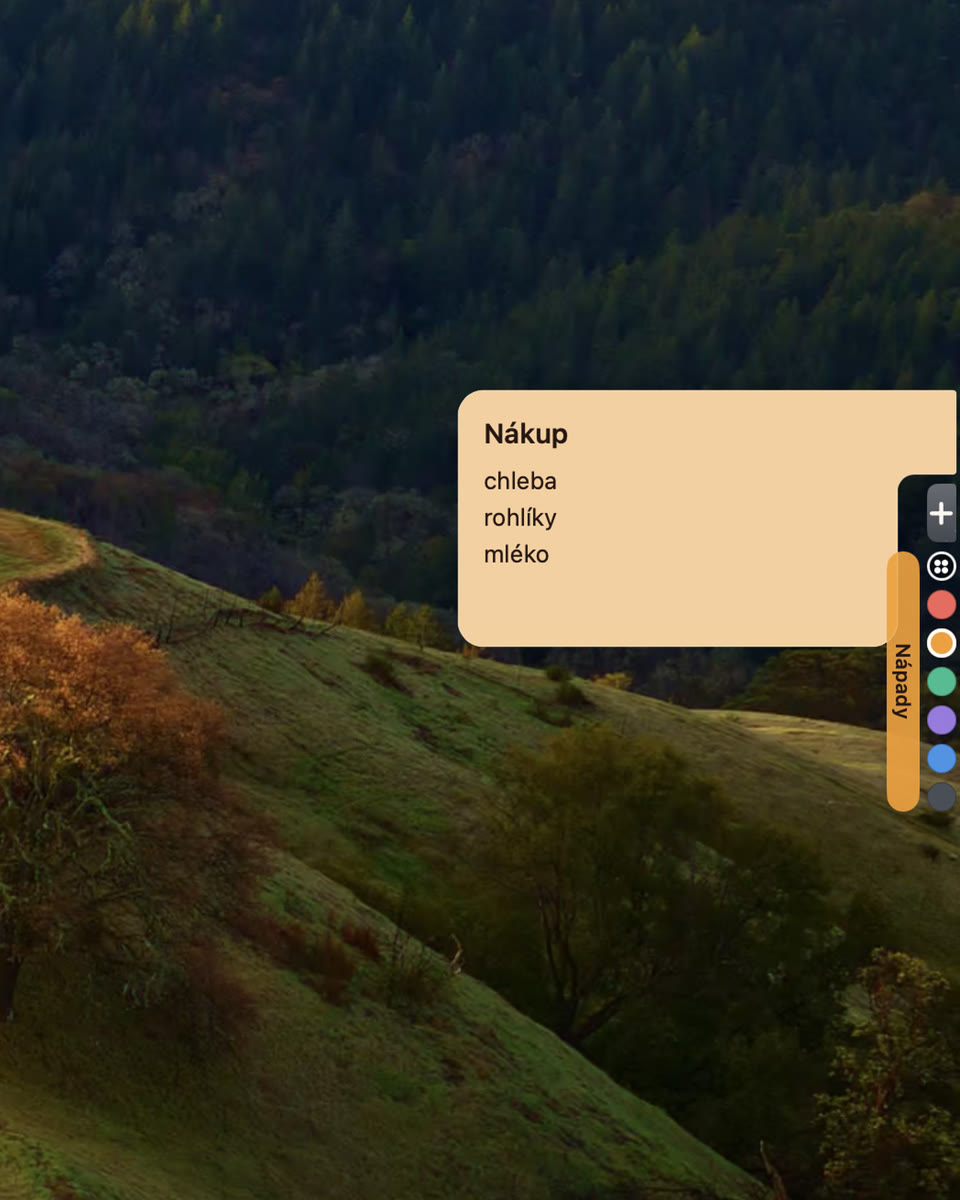
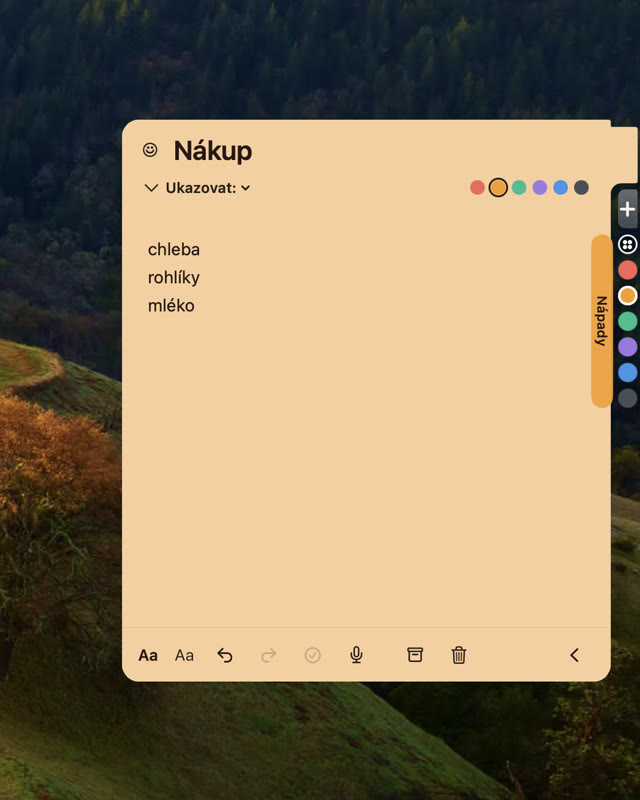
Pin it to an app or a website — and Okraj shows it when you switch there. In Safari, the active tab’s domain is enough.
Available on the App Store
Okraj
Always at hand, never in the way.
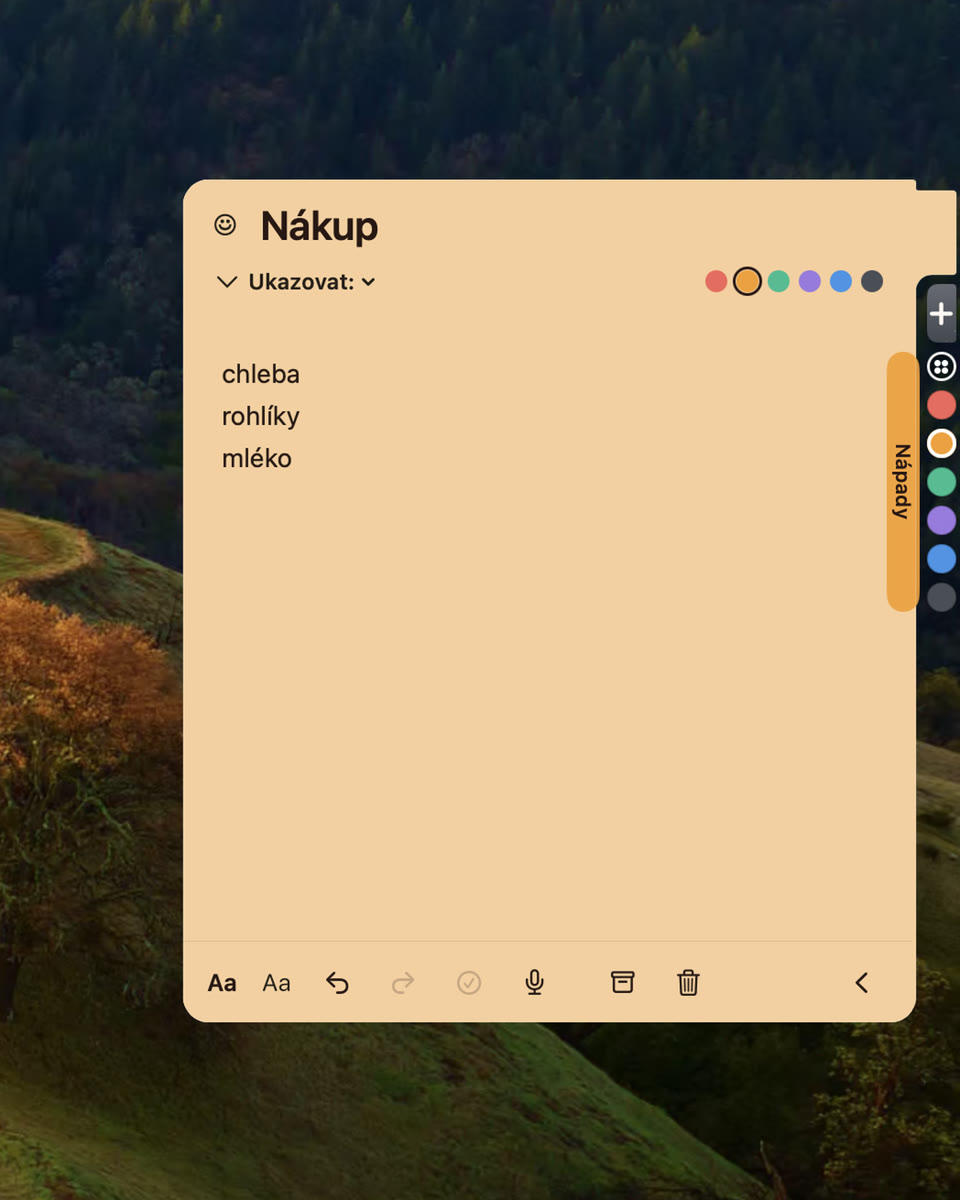

Three states
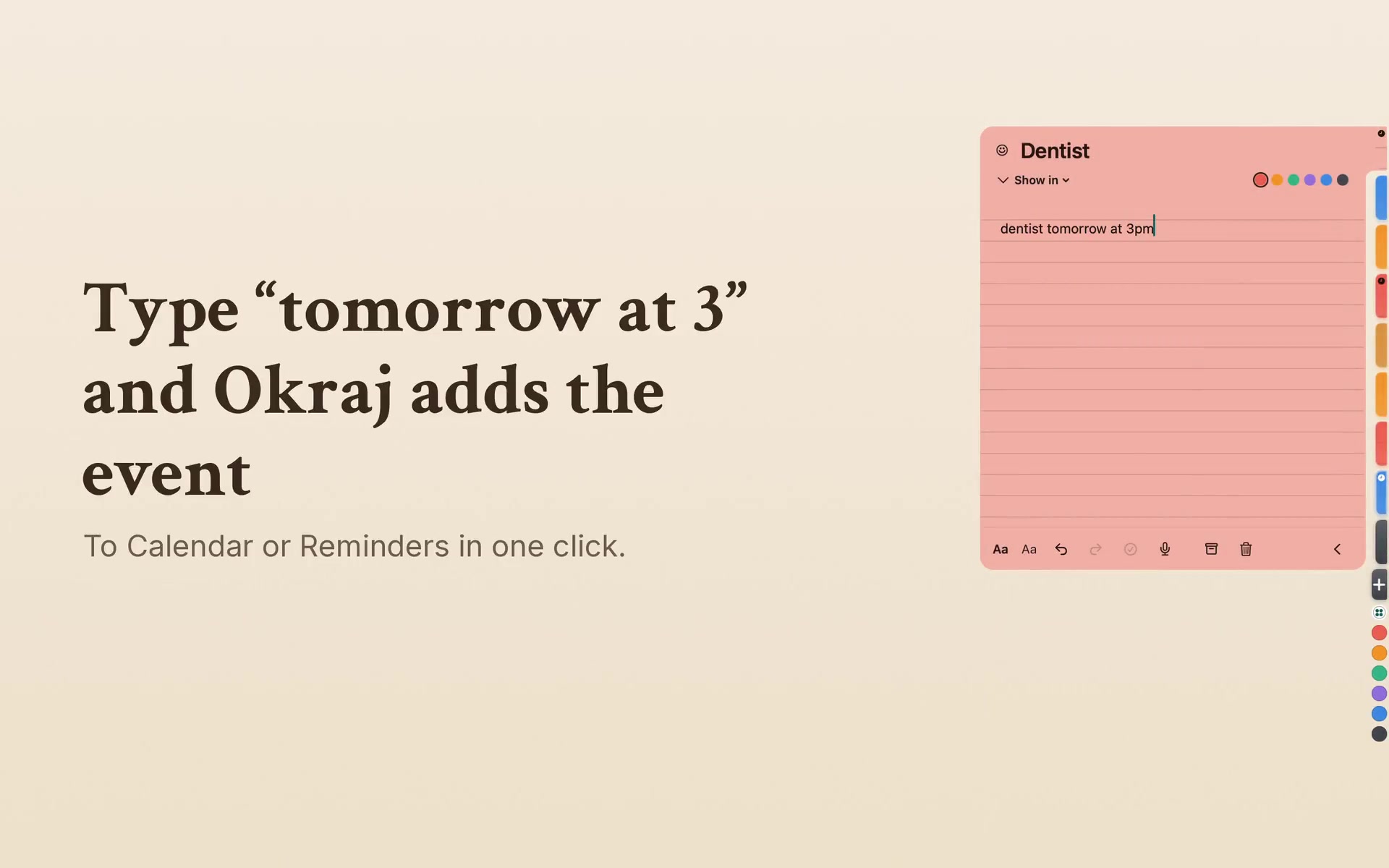
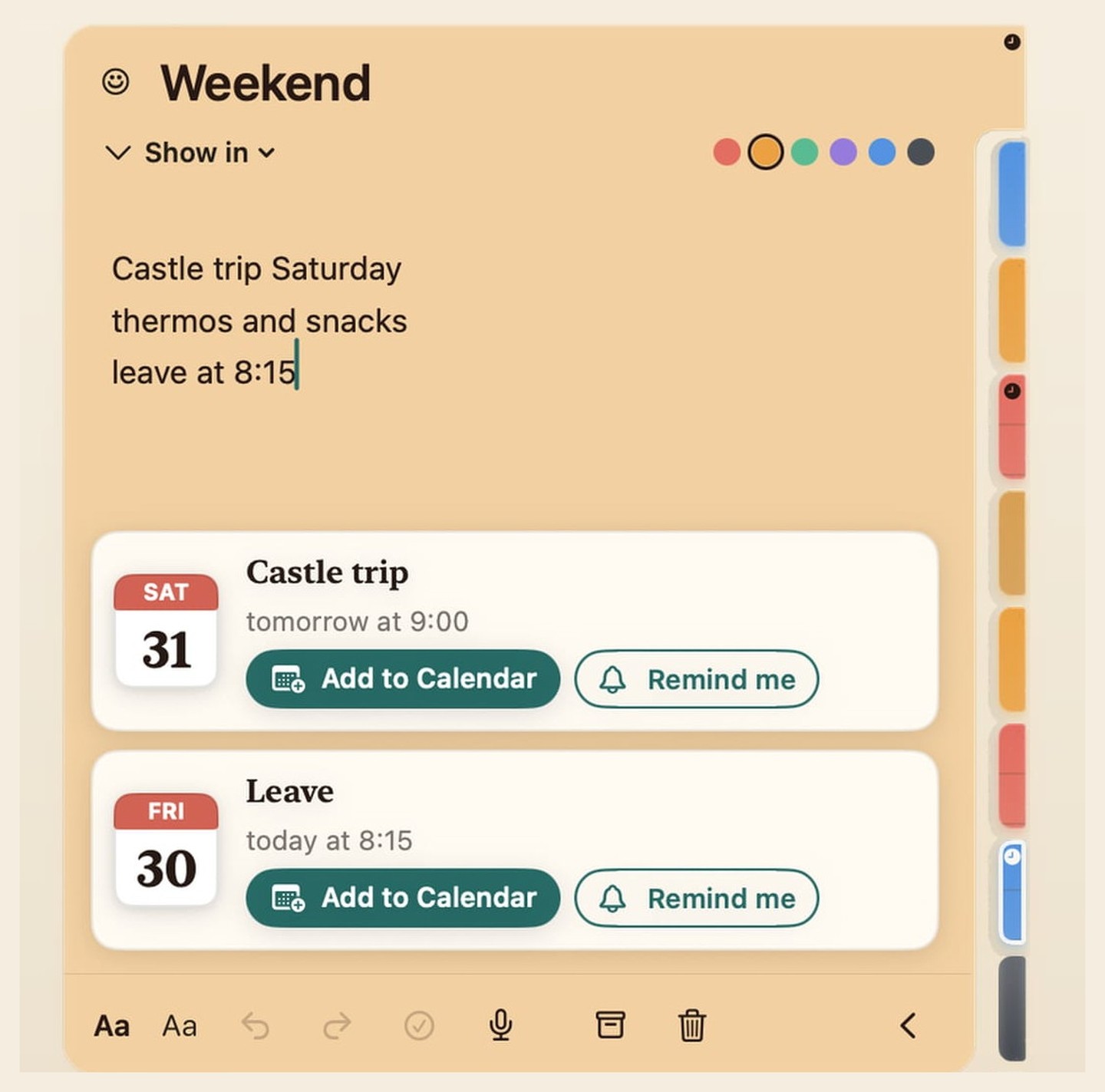
Type a time in plain language — Okraj offers a calendar event or reminder. Full clip on a loop.
Just write “tomorrow at 3” in a note — Okraj picks up the time.
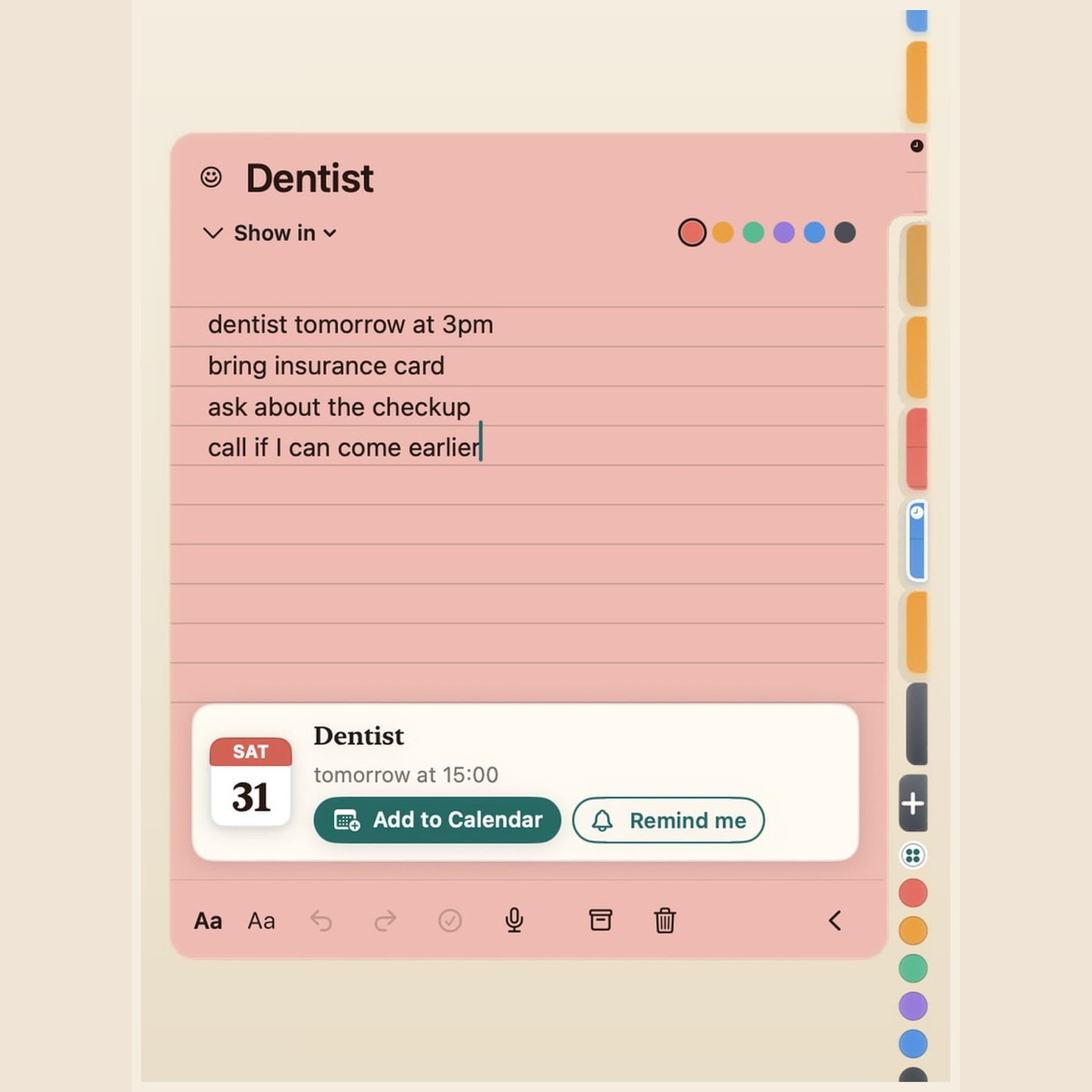
An event card with date and time appears under the text.
Into Calendar or Reminders. Done — no extra window.
Only in Okraj
Pinning, Safari, paper iPhone, Live Activity, calendar, sync — the things Okraj does differently.
Pin it to an app or a website — and Okraj shows it when you switch there. In Safari, the active tab’s domain is enough.
On Safari, the active tab’s domain is enough — Okraj shows the note when you’re on that site.
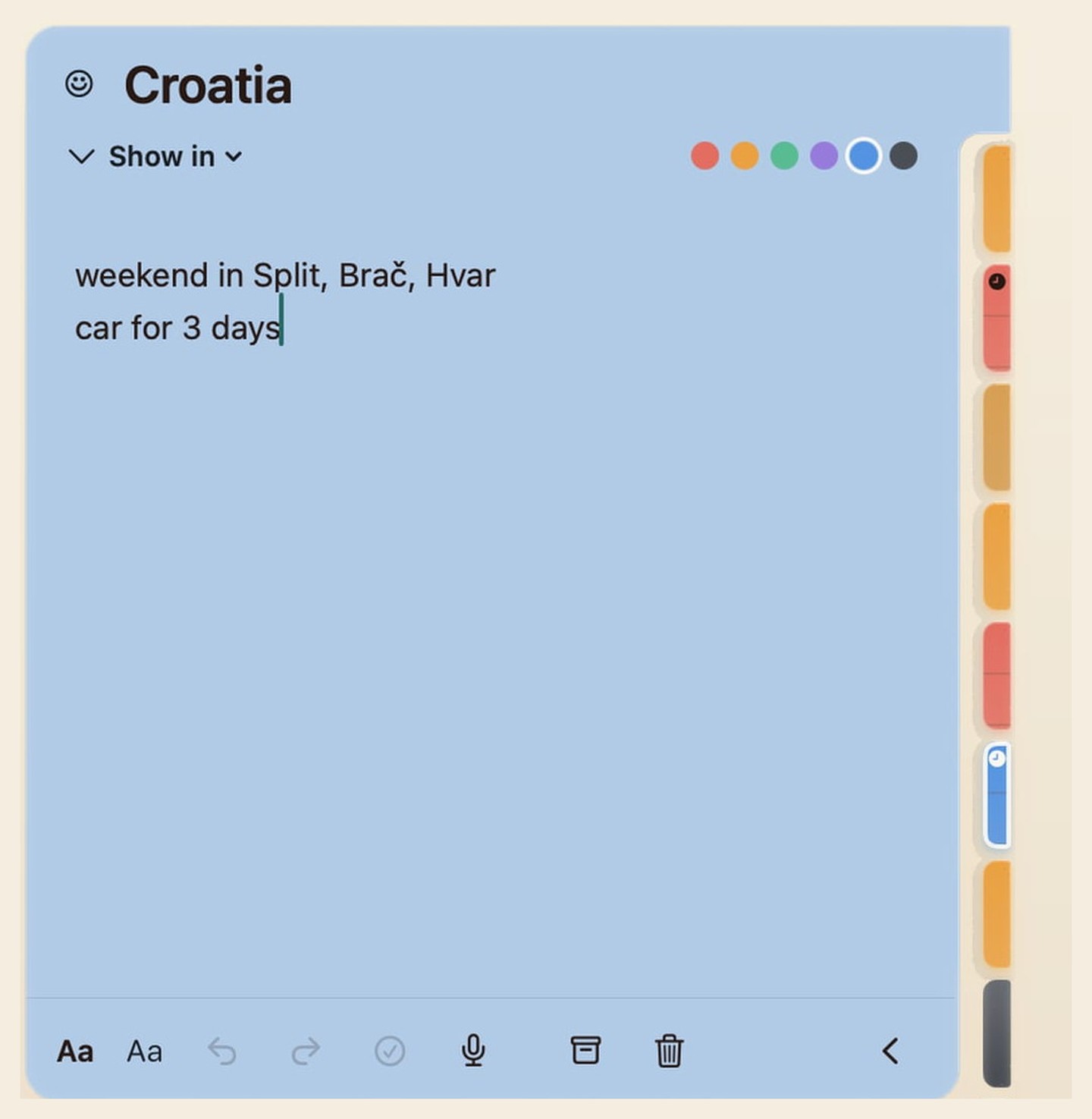
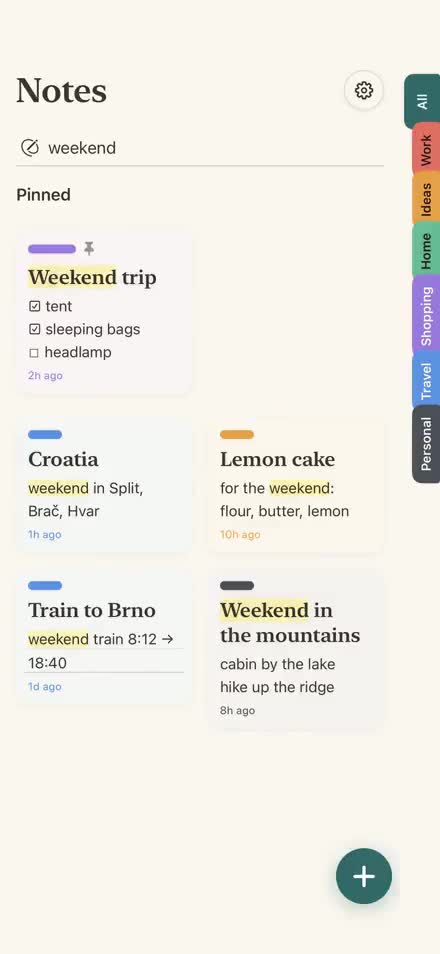
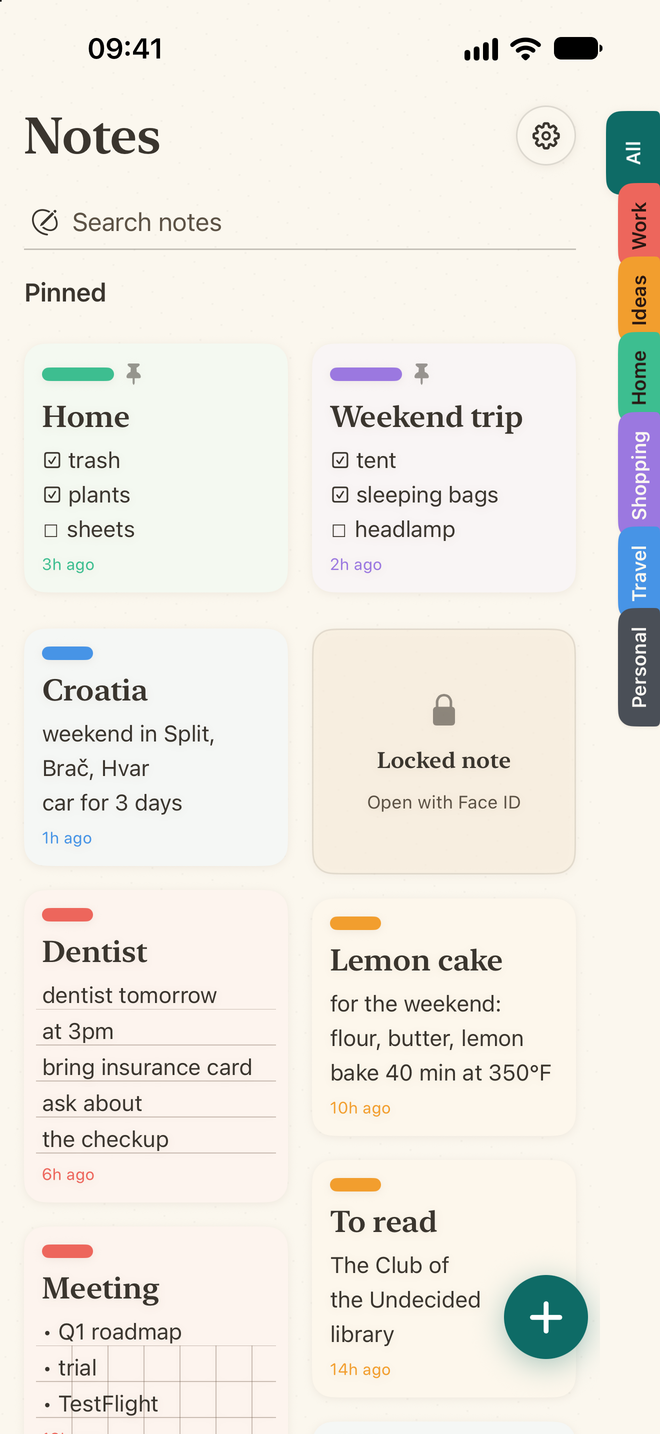
Coloured groups, cards like paper. Capture fast, find fast.
Keep a checklist on the Lock Screen and Dynamic Island — check items off without opening the app.

Write “tomorrow at 3 dentist” — and Okraj offers a Calendar event or a ringing reminder.
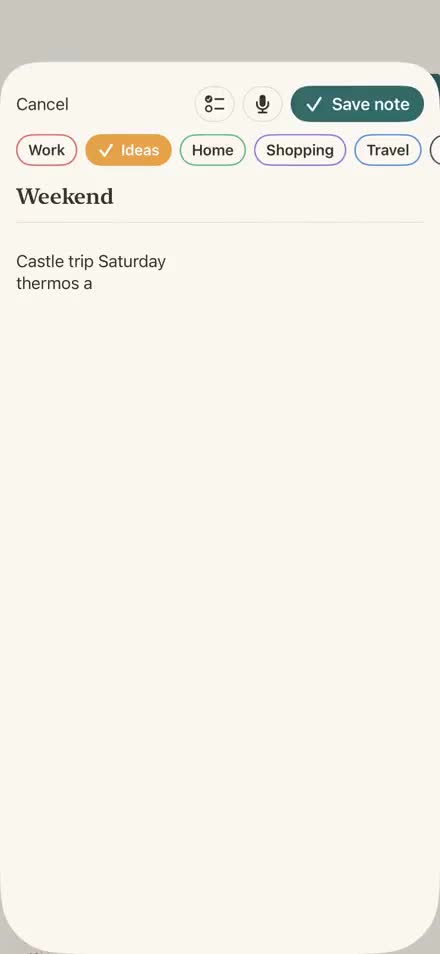
On iPhone

Calendar
Write “tomorrow at 3 dentist” — and Okraj offers a Calendar event or a ringing reminder.
Live Activity
Keep a checklist on the Lock Screen and Dynamic Island — check items off without opening the app.
Sync
What you write on Mac is right there on iPhone — and the other way around. Sync via iCloud.
A fair price
Pay once, keep it forever. One purchase for Mac and iPhone — including iCloud sync. No subscription. After the trial, your existing notes stay readable and editable.



Questions
Yes — Okraj is on the App Store for iPhone and Mac (one purchase). Download via the link on this page.
Yes. Okraj is a native app for Mac and iPhone. The same notes on both via iCloud sync. One purchase covers both.
Existing notes stay readable and editable. Only creating new notes is locked — until you unlock the full version with a one-time purchase.
Locally on your device. No account and no Jiný úhel server. Between Mac and iPhone they sync via your private iCloud.
No. Pay once, keep it forever. No subscription — one purchase for Mac and iPhone.
One-time purchase. Seven days free, intro 199 CZK first month, then 249 CZK (€9.99). No subscription.