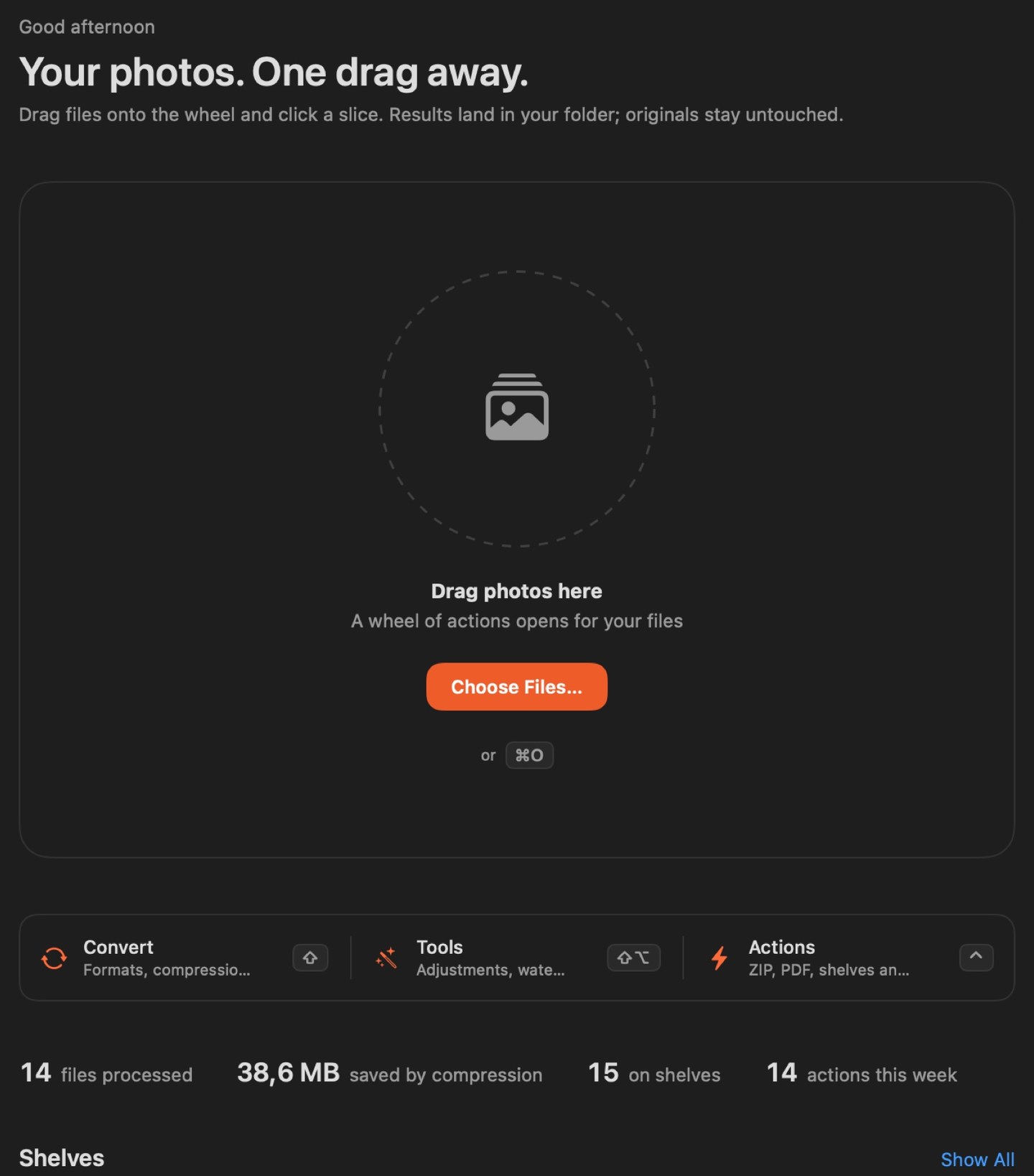
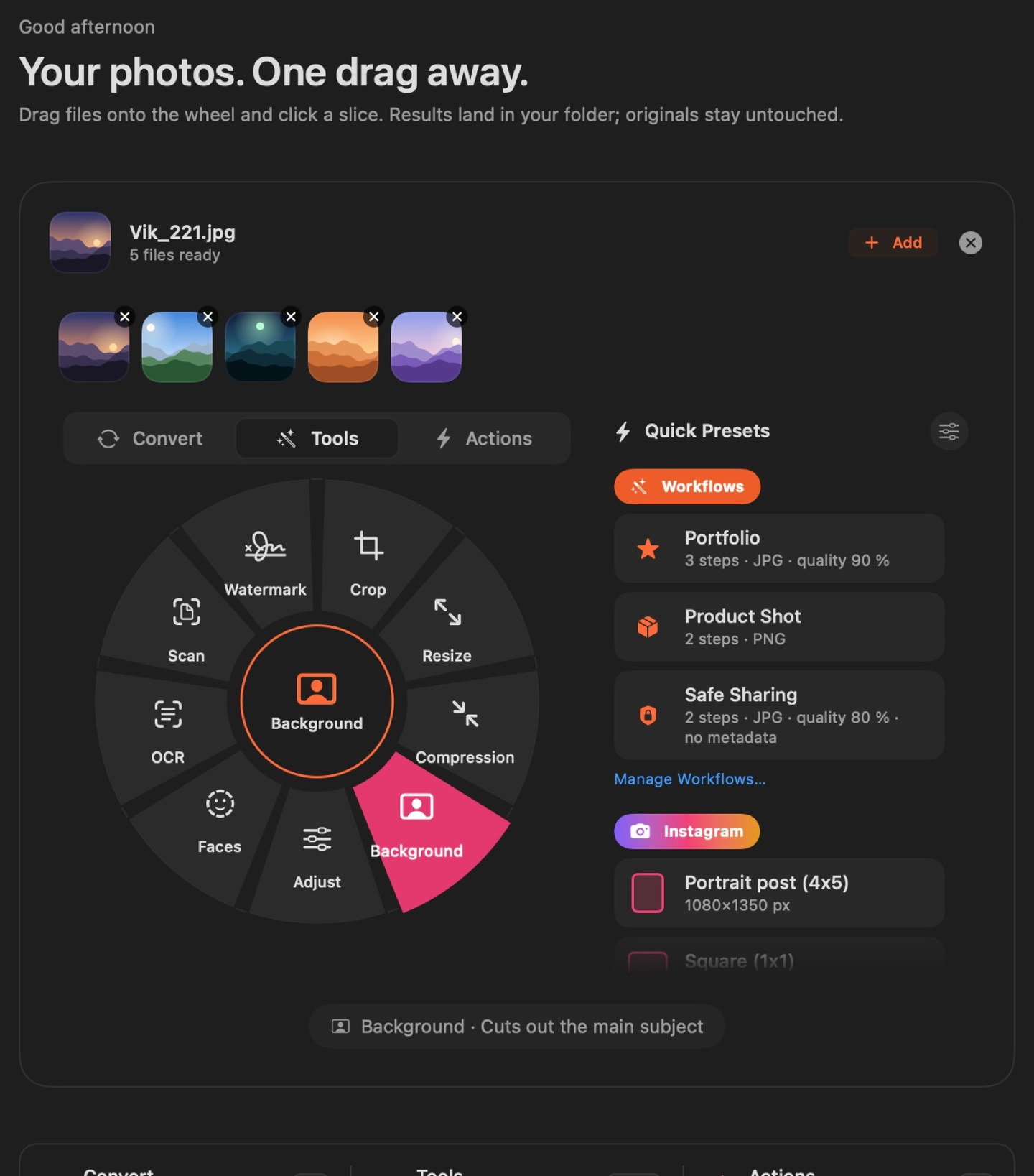
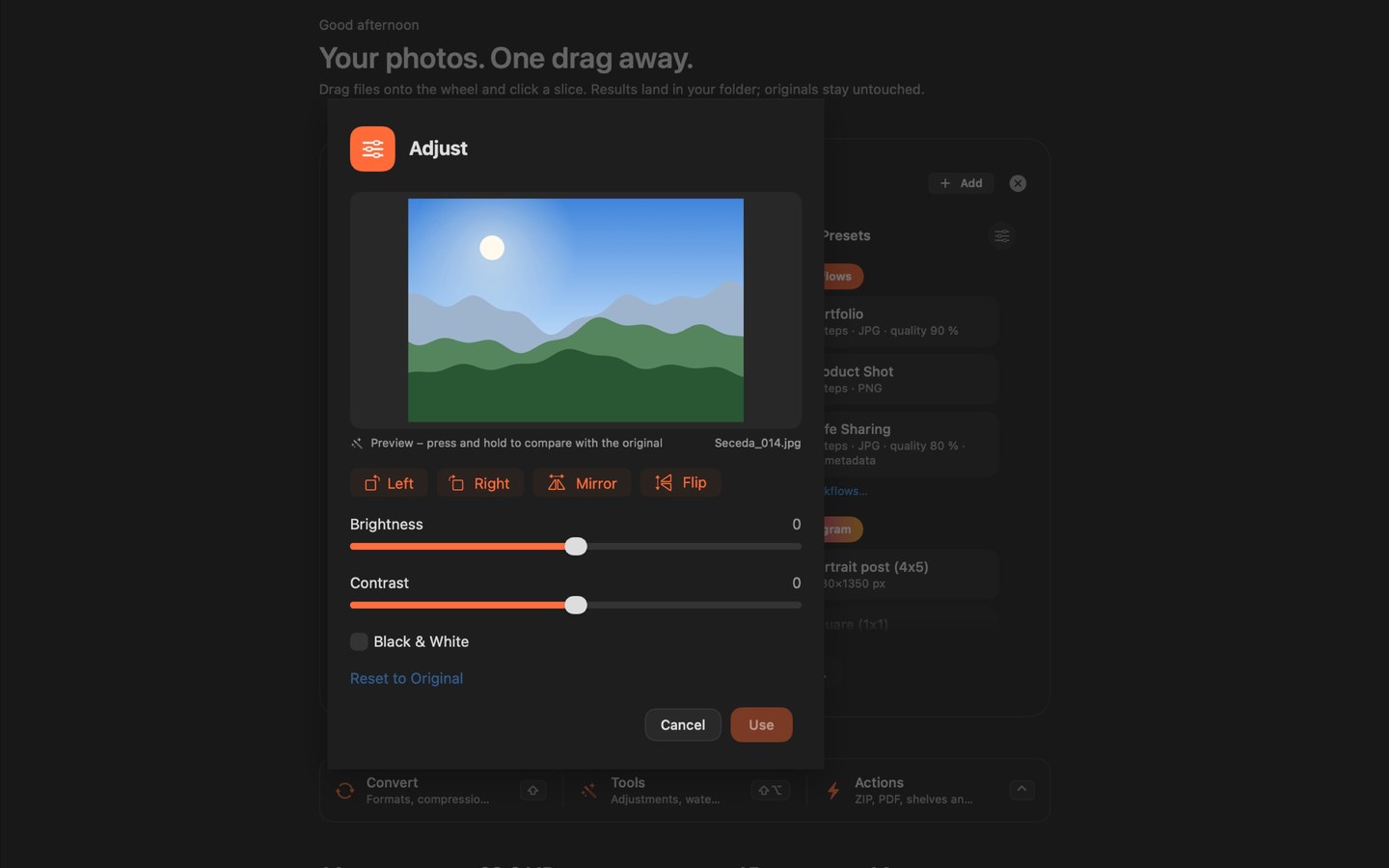
Drop files onto the action wheel and pick convert, crop, compress, watermark, background removal, OCR or scan to PDF. Everything runs locally on your Mac — no account, nothing uploaded.
Action wheel, workflows and history in one window.
Drop photos, pick an action or workflow, and the result goes to your output folder, originals stay untouched. Overview, shelves and history stay within reach.
Action wheel
Drop photos in the centre and reach for what you need. One gesture instead of hunting through menus.
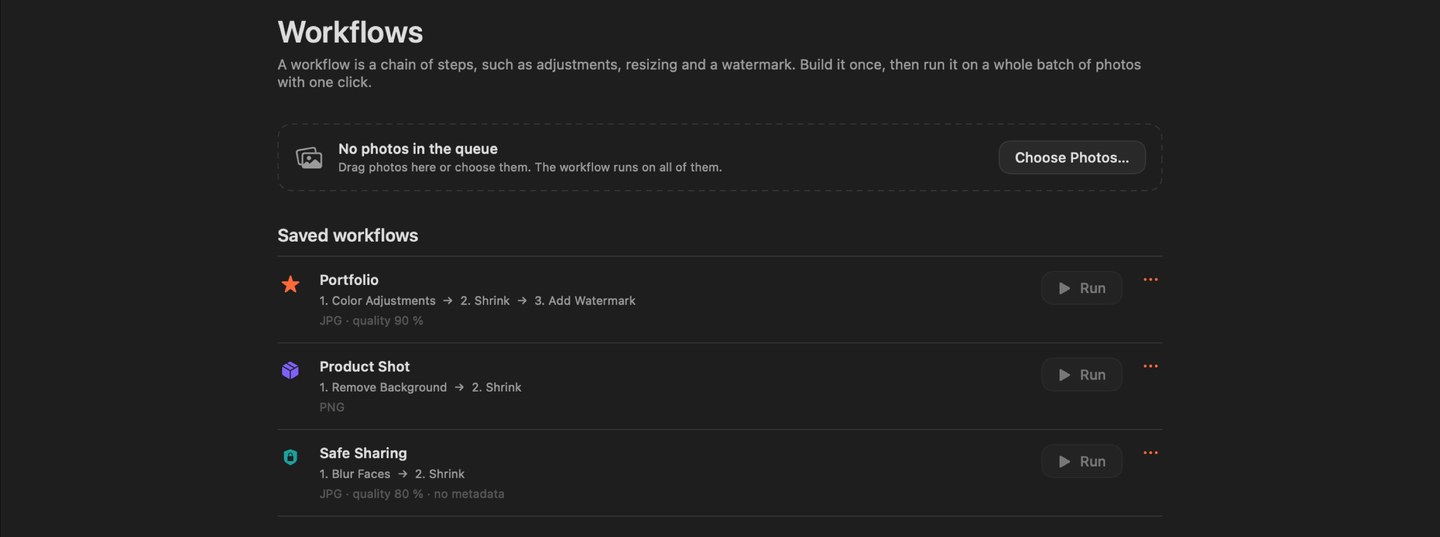
Build your own chain of steps and run it on a batch. The same edit on dozens of photos without repeating yourself.
Custom step chains
Instagram / YouTube presets
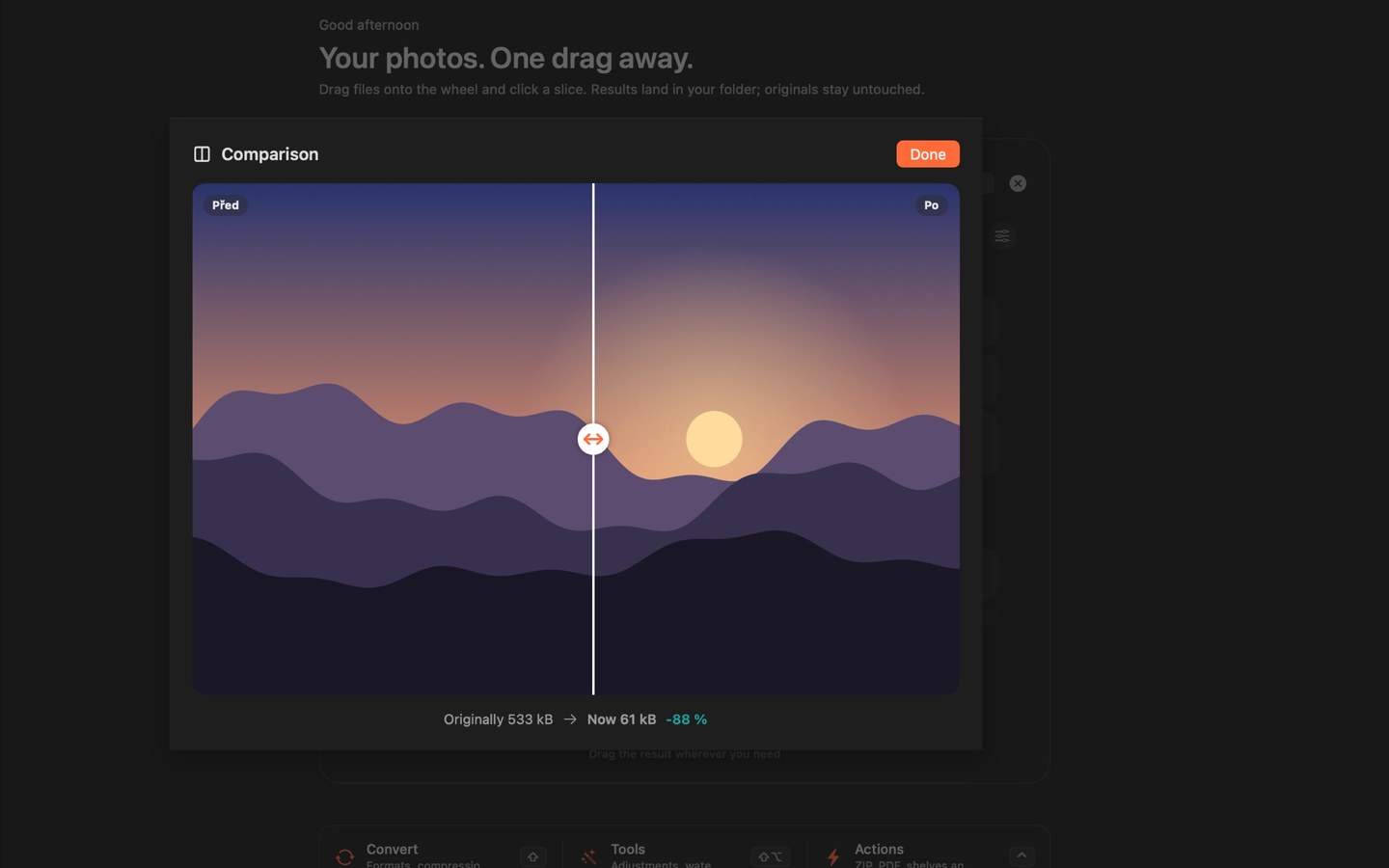
Before/after compare
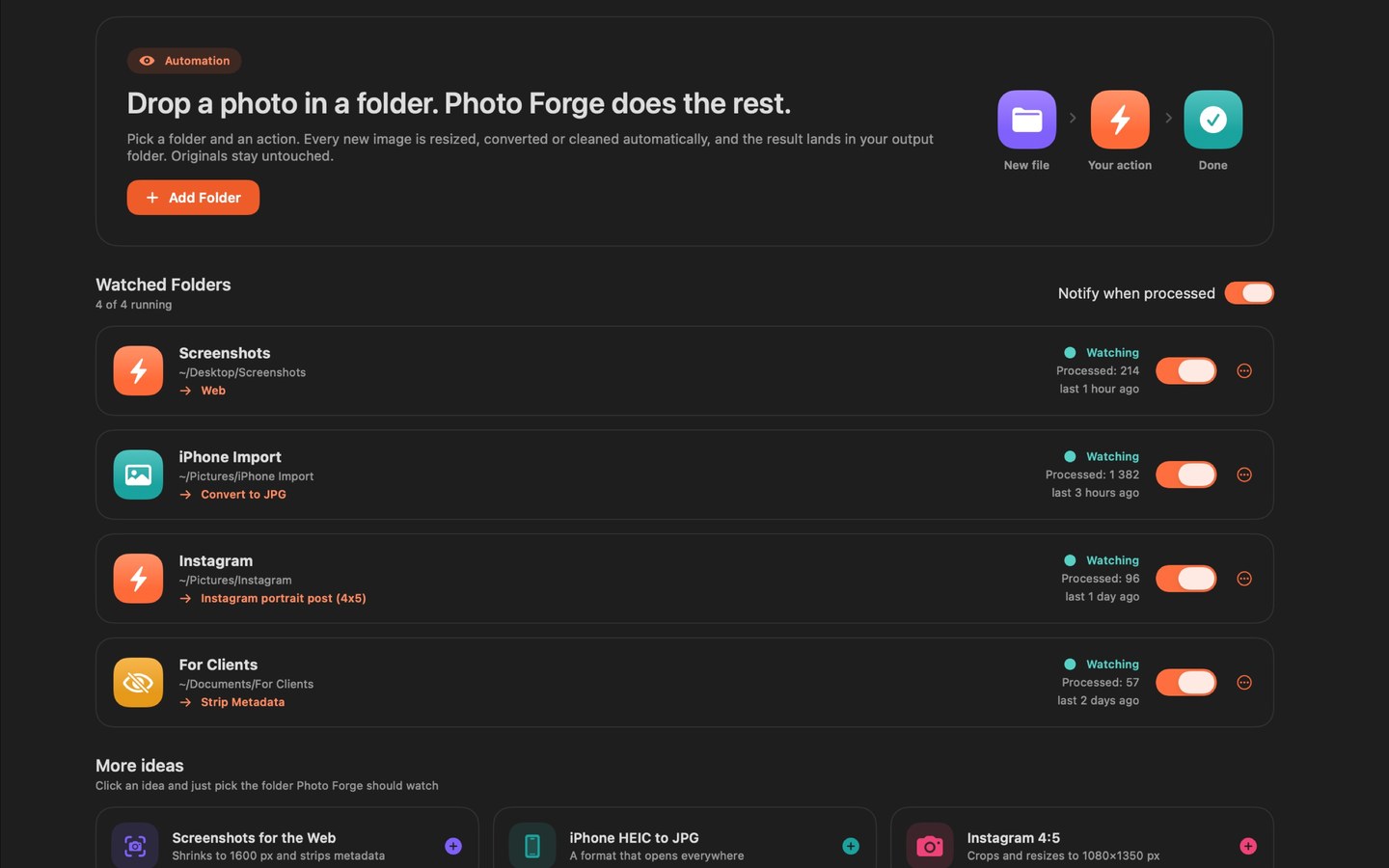
Watched folders
Add a folder, pick an action or workflow — every new photo is processed for you. The original stays; a notification can say when it’s done.
Automatic processing of new photos
Access only to folders you choose
Notifications can be turned off
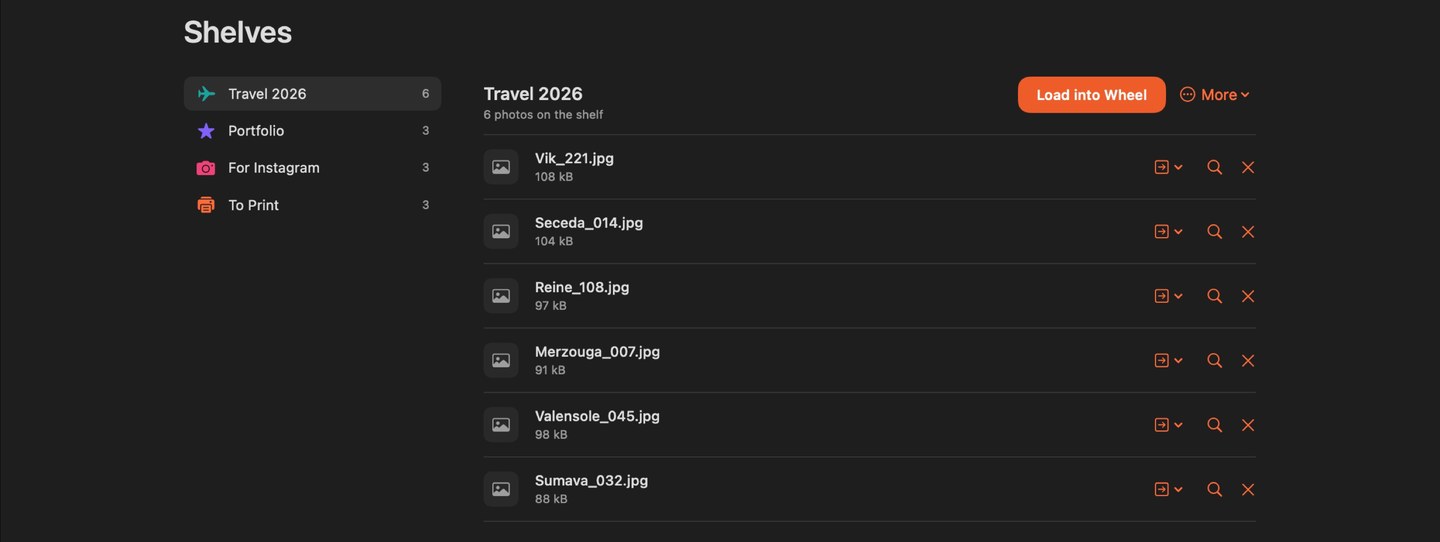
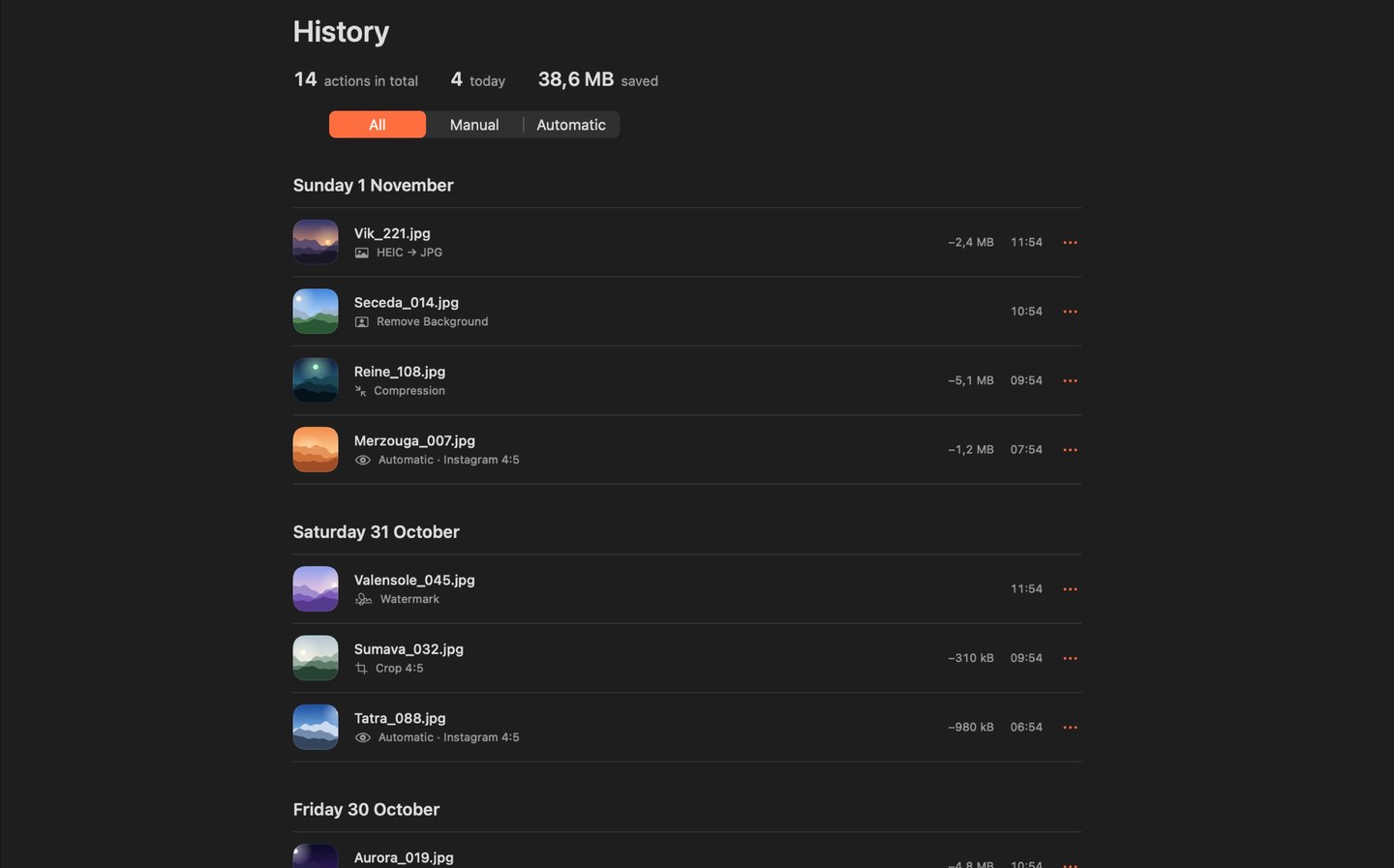
Shelves and history
Keep in-progress files on shelves like Finder folders. History shows what happened. Undo your last action: results go to Trash and moved files go back.
Shelves = Finder folders
Action history
Undo your last action: results go to Trash and moved files go back.
Private
No analytics, no cloud AI. Vision runs on-device — text, faces and backgrounds stay with you. The app goes online only to check for a new version.
Edits run only on your Mac
macOS sandbox
Originals are never overwritten
Czech and English
In Settings choose Czech, English or System. The window updates immediately; menu items update after you relaunch the app.
Czech
English
Follow system
One more look
Before and after
The result next to the original.
Before and after
Details
What it runs on
PlatformMac with Apple Silicon or Intel
SystemmacOS 14 Sonoma or later
PriceFree
InstallOpen the downloaded DMG, drag Photo Forge to Applications and launch it. The app is signed and notarized by Apple.
UpdatesOnce a day Photo Forge checks this site for a new version and offers it to you. You can turn the check off in Settings → About.
What stays with you
Photo Forge does not collect, transmit or share any of your data. It only sees what you give it.
No analytics, ads or tracking
Results only in the folder you choose
Network only for the update check (can be turned off)
Photo Forge is free to use. If it helps you, you can voluntarily contribute to its further development. A contribution doesn’t unlock any extra features.